agentic, no-slop 3D assets at scale.
agentic, no-slop 3D assets.
at scale.
agentic, no-slop
3D assets at scale.
the most advanced & efficient way
to produce usable, AAA IP-grade 3D assets.
the most advanced & efficient way to produce usable, AAA IP-grade 3D assets.





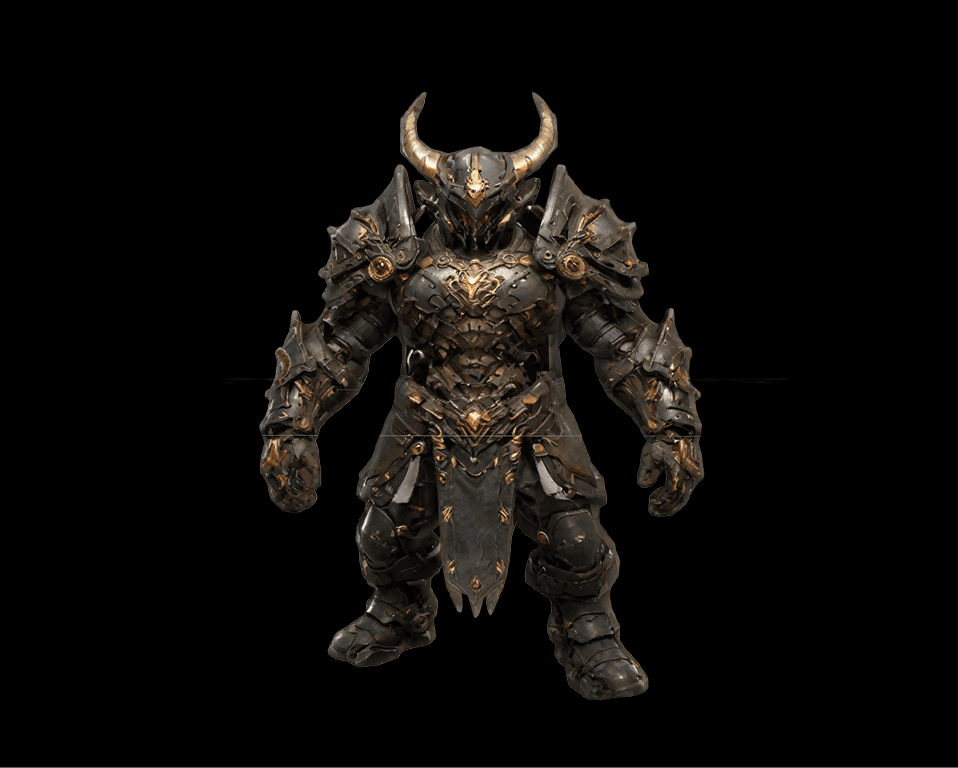

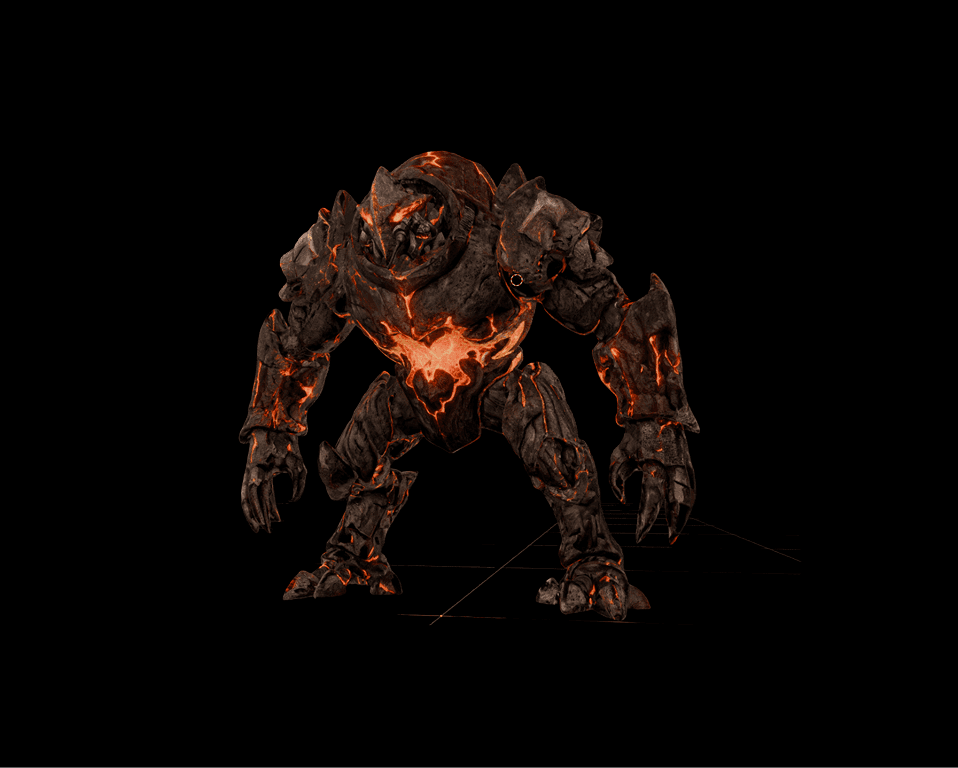
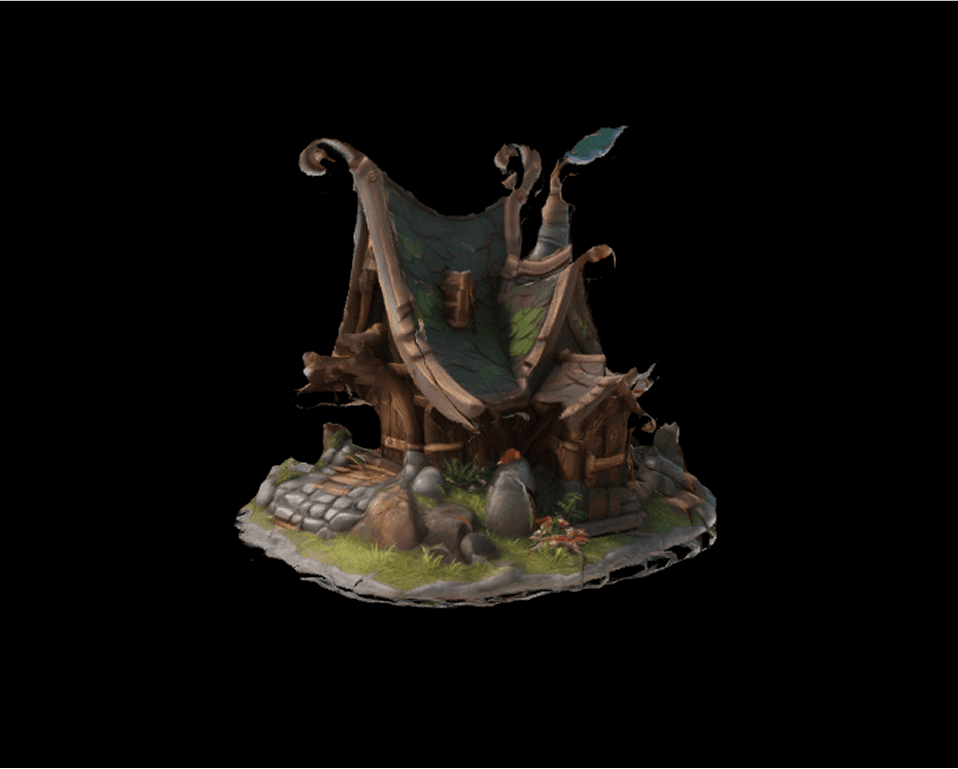


same ai. better output.
same ai.
better output.
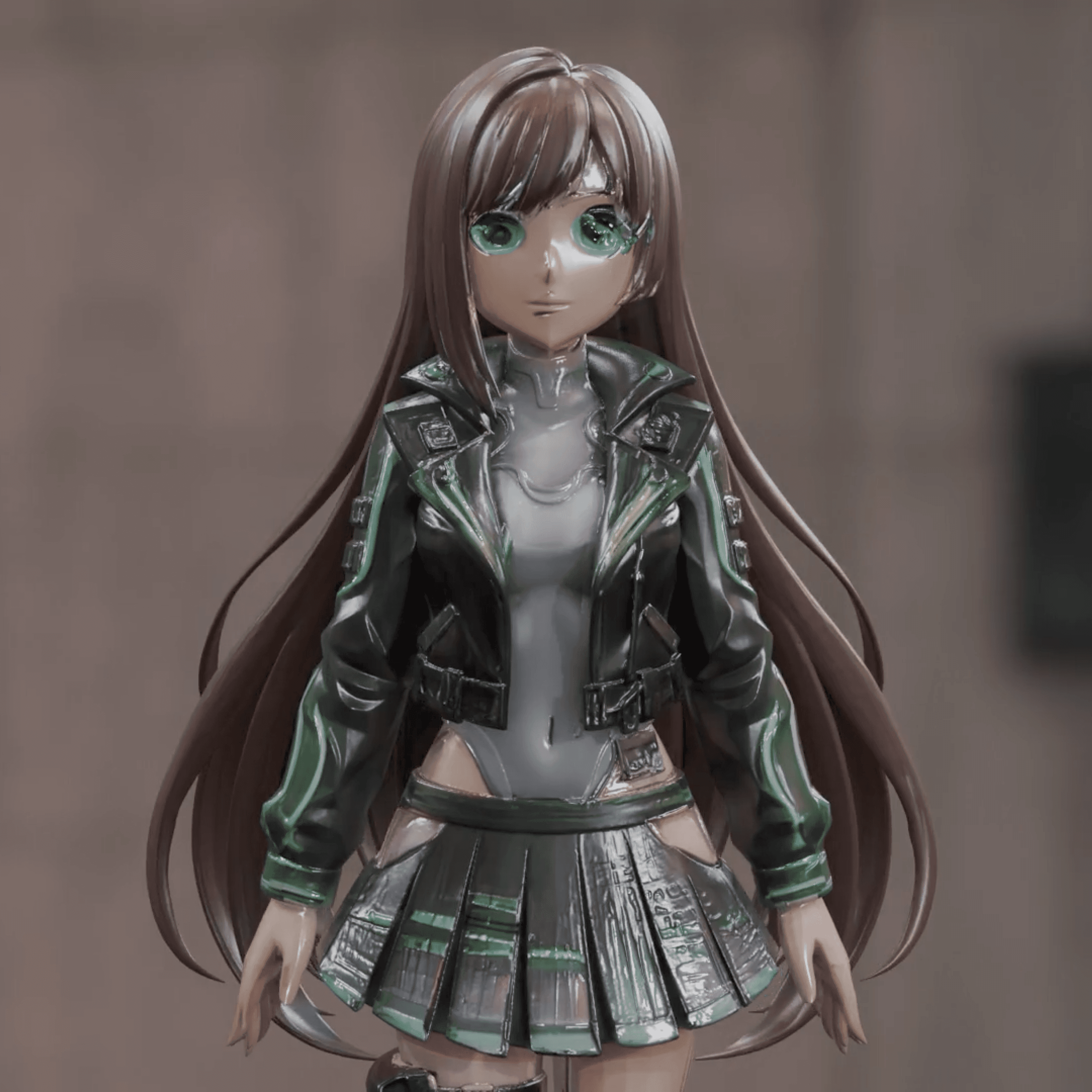
❌ frontier model 3D output
single-shot 3D assets generated using state-of-the-art frontier models are still unusable.
single-shot 3D assets generated using state-of-the-art frontier models are still unusable.
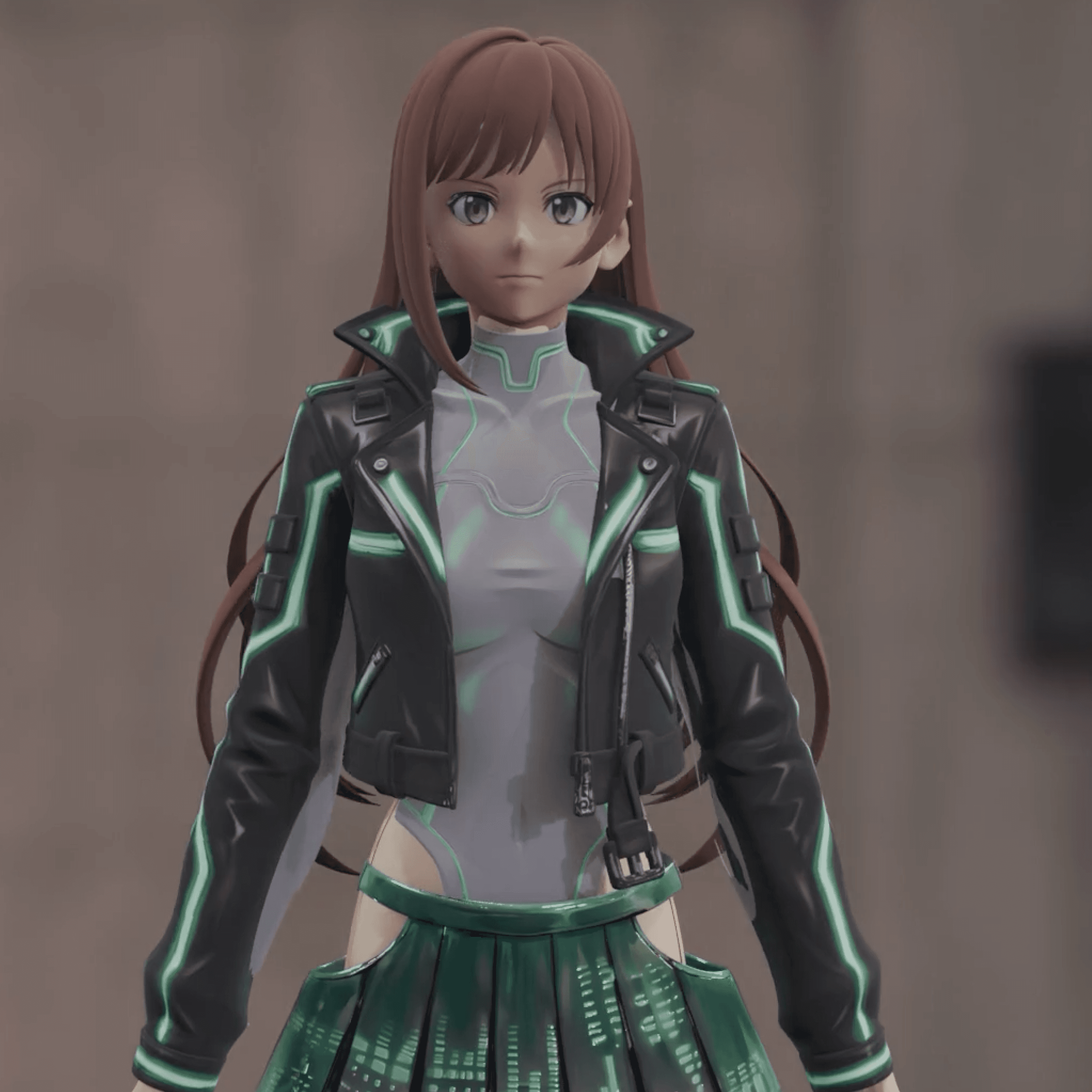
✅ assethub agentic 3D output
✅ assethub agentic 3D output
-> generate parts with our agent-> merge and generate meshes with our agent
-> generate parts with our agent-> merge and generate meshes with our agent
pre-mesh generation
pre-mesh generation
auto image prep
t-pose, split image, and multi-view generation optimizations for truly usable meshes
post-mesh generation
texture generation
agentic texturing tool unlocks state-of-the-art texturing controls
texture generation
agentic texturing tool unlocks state-of-the-art texturing controls
texture generation
agentic texturing tool unlocks state-of-the-art texturing controls
brush editing
brush and eraser tools for those hard-to-reach fine details
brush editing
brush and eraser tools for those hard-to-reach fine details
brush editing
brush and eraser tools for those hard-to-reach fine details
inpainting
apply a mask and our agents take you the rest of the way
inpainting
apply a mask and our agents take you the rest of the way
inpainting
apply a mask and our agents take you the rest of the way
segmentation
auto-segment materials/parts for targeted edits
segmentation
auto-segment materials/parts for targeted edits
segmentation
auto-segment materials/parts for targeted edits
production-ready, by design.
production-ready. by design
PBR map support
PBR map support
automatically generate PBR maps for realistic results
baked shadow removal
baked shadow removal
boost your workflow with upcoming plugins for Unreal Engine and Maya
eliminate baked shadows from textures with one click
PBR map support
Automatically generate PBR maps for realistic results
multi-format support
multi-format support
compatible with FBX, GLB, OBJ, and more
multi-format support
compatible with FBX, GLB, OBJ, and more
Maya / UE / Unity compatibility
maya / UE / Unity compatibility
boost your workflow with upcoming plugins for Unreal Engine and Maya
auto image prep
t-pose, split image, and multi-view generation optimizations for truly usable meshes